Questions?
Call (781) 297-2034
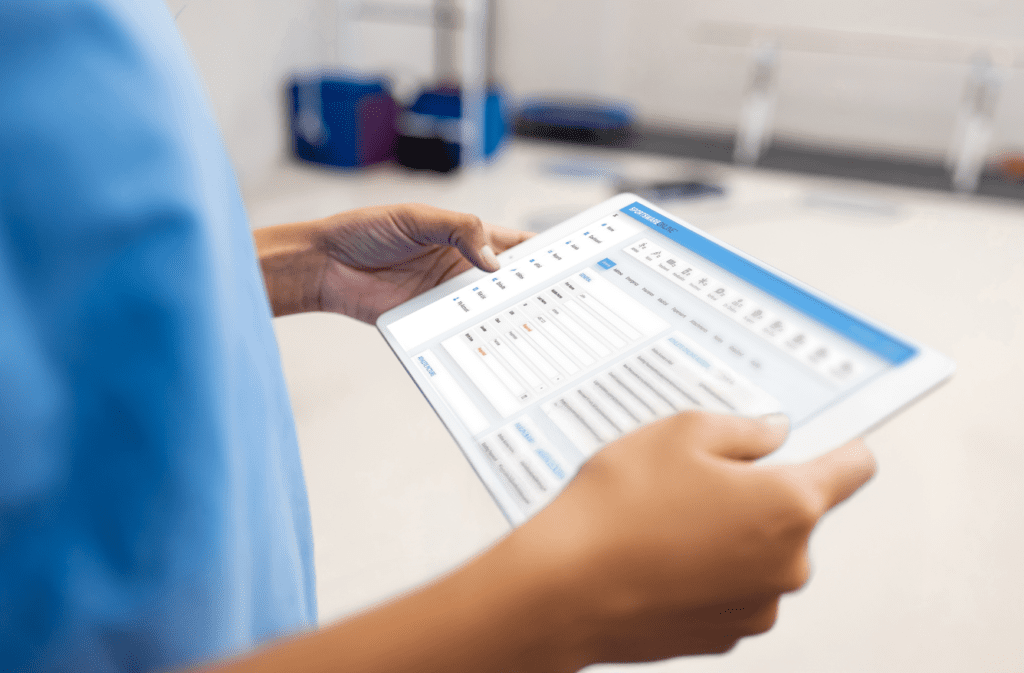
The HUMAC Software includes a variety of Test, Progress, Group Summary and Exercise Reports. Following is a sampling of the most popular reports. If you do not see one you need please ask. Test results can be exported to Excel or a Text file. And via Auxiliary Outputs (Standard on the HUMAC NORM and HUMAC Upgrades) real-time torque, position and velocity data is available to collect with all brands of EMG.
The Short vs. Position Report provides a synopsis of the patient's performance. From the top down this report includes Report Heading, Test Pattern, Patient Background, Torque vs. Position Curves, Low Speed Results, followed by High Speed Results. Included are Co-efficient of Variation, Body Weight and Angonist / Antagonist Ratios.
The Curve Overlay Report makes it simple to document a deficit. This report overlays the involved and unvolved side torque curves and the creates the difference curve. Ideally the torque curves are identical and the difference curve runs along the bottom of the graph. In this example the subject has a obvious deficit in extension from 90 to 40 degrees. The greatest deficit is 31% at 70 degrees.
The HUMAC Narrative Report is ideal for sharing test results with the physcians, insurers and patients. And because it starts with a template coupled with auto populating fields (name, physician, diagnosis, treatment, goals, numeric and graphic results) in MS Word it only takes seconds to generate. Plus it can be edited.
Keep your patients on track with the HUMAC Progress Report. Select an intial test, a follow-up test and the HUMAC compare the two. Progress Report includes name of facility, test pattern, patient information, and graphic and numeric comparison the of test results. The HUMAC Progress Report includes the change in performance for the uninvolved and involved sides.
After Baseline and Progress Reports patients want to know how they compare to others with a similar demographic, diagnosis and treatment. Are they on, ahead or behind the expected performance curve? This is where the HUMAC Group Summary Module is a must. With HUMAC Group Summary you can compare an individual patient's test results to the average of a group of patient test you collected based on pattern, protocol, and demongraphic. Results can be exported to MS Access table or printed with a comparison of the individual to the group.
The Isometric Report provides a synopsis of the patient's performance at a specific point in the range-of-motion. From the top down this report includes Report Heading, Test Pattern, Patient Background, Torque vs. Time Curves and numeric results for each of the measured angles. Included are Co-efficient of Variation, Body Weight and Angonist / Antagonist Ratios.
The HUMAC Per Repetition Report includes all of the measured parameters for every repetition.
The Repeatability Test is helpful to determine if the patient understands how to perform the test and if yes if the patient is giving a consistant effort. This test is typically associated with return to work and injury compansation patients.
Use the Multi-Session Report to track trends in performance over time. If a percise measurement of improvement is required we recommend performing a test and using the Progress Report. The test procedure is more formal and therefore offers a better measurment of change in performance.
The Roadway Report documents a patient's abilty to control moving a fixed weight, i.e. Isotonic Training. The User selects a velocity and a distance for the patient to match. The Report shows the patients abilty to stay "on the road" during concentric and eccentric contractions.
The Roadway can also be used to track muscle contraction.